Notes scattered after the call
The call ends and the detail is split across a notes doc, a few CRM fields and whatever the AE still remembers an hour later.
Sales reporting software for account executives
Salesman AI is sales reporting software for account executives. Every completed customer meeting becomes a FOCUS report: follow-up guidance, organized notes, confirmed next steps, self-review and deal strategy.
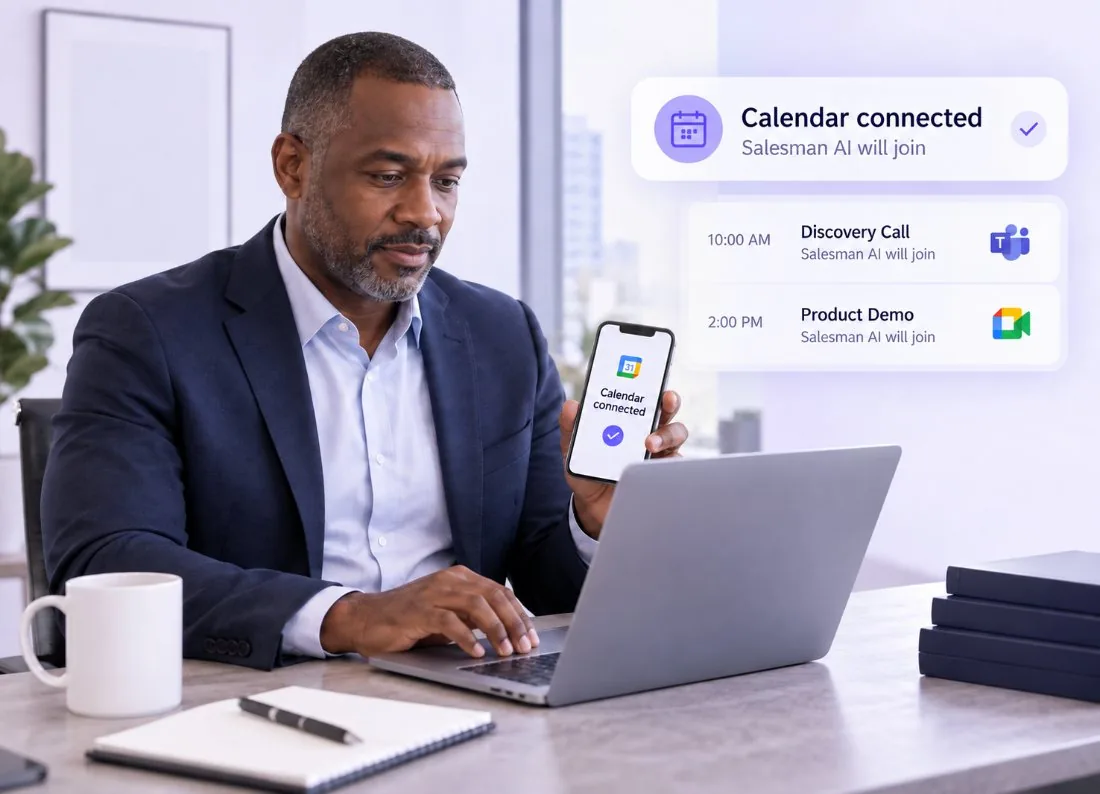
Connect your calendar in minutes.
Works with Google Meet, Zoom and Microsoft Teams
The problem with ordinary sales reporting
Most sales reporting stops at logged activity and a generic recap. Follow-ups get written from memory, and missing commitments or unresolved concerns only become visible when the deal has already stalled.
The call ends and the detail is split across a notes doc, a few CRM fields and whatever the AE still remembers an hour later.
The priorities, objections and commitments are in there somewhere. Finding them means reading 45 minutes of conversation again.
A generic call summary records what was discussed. It does not tell the AE whether a real next step exists or how to progress the deal.
The FOCUS report
The FOCUS report organises the conversation through a sales lens: what mattered to the buyer, what is supporting the deal, what could block progress, what was agreed and what the AE should do next.
How it works
Useful sales reporting starts with the actual buyer conversation. Connect your calendar once and the report is waiting after every customer call.
Step 1
Choose the customer meetings Salesman AI should support.
Step 2
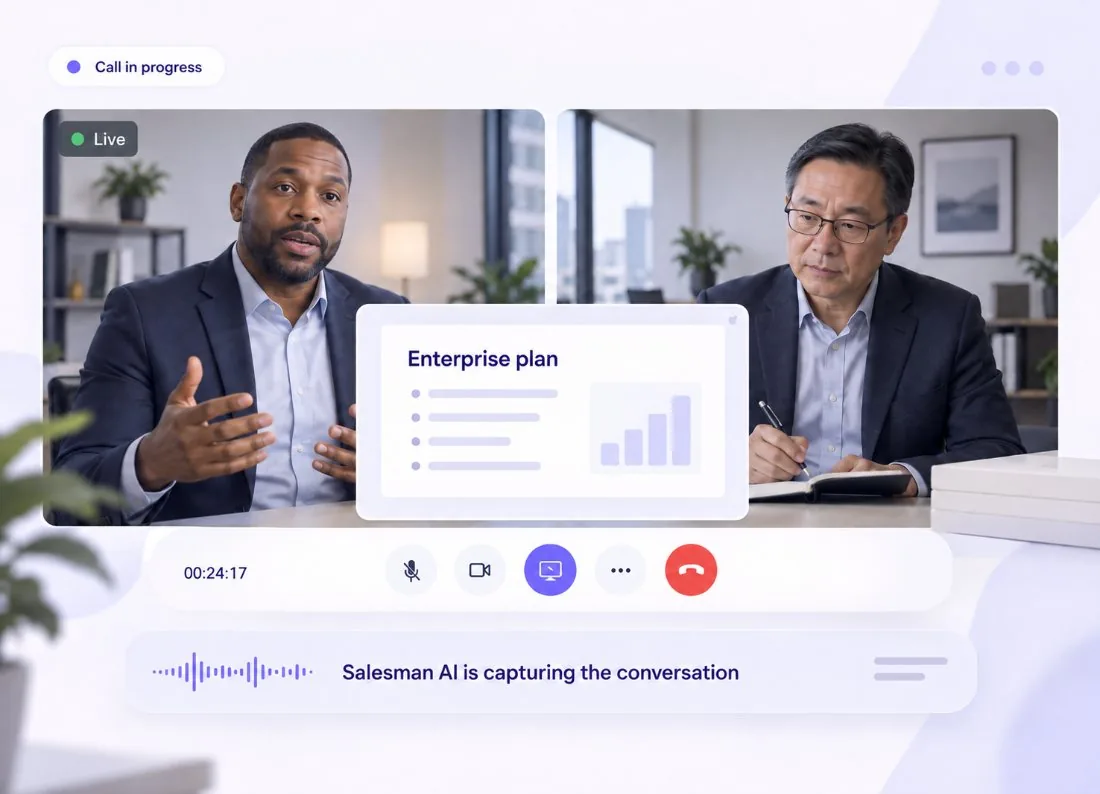
Salesman AI captures and transcribes the supported meeting while the AE concentrates on the buyer.
Step 3
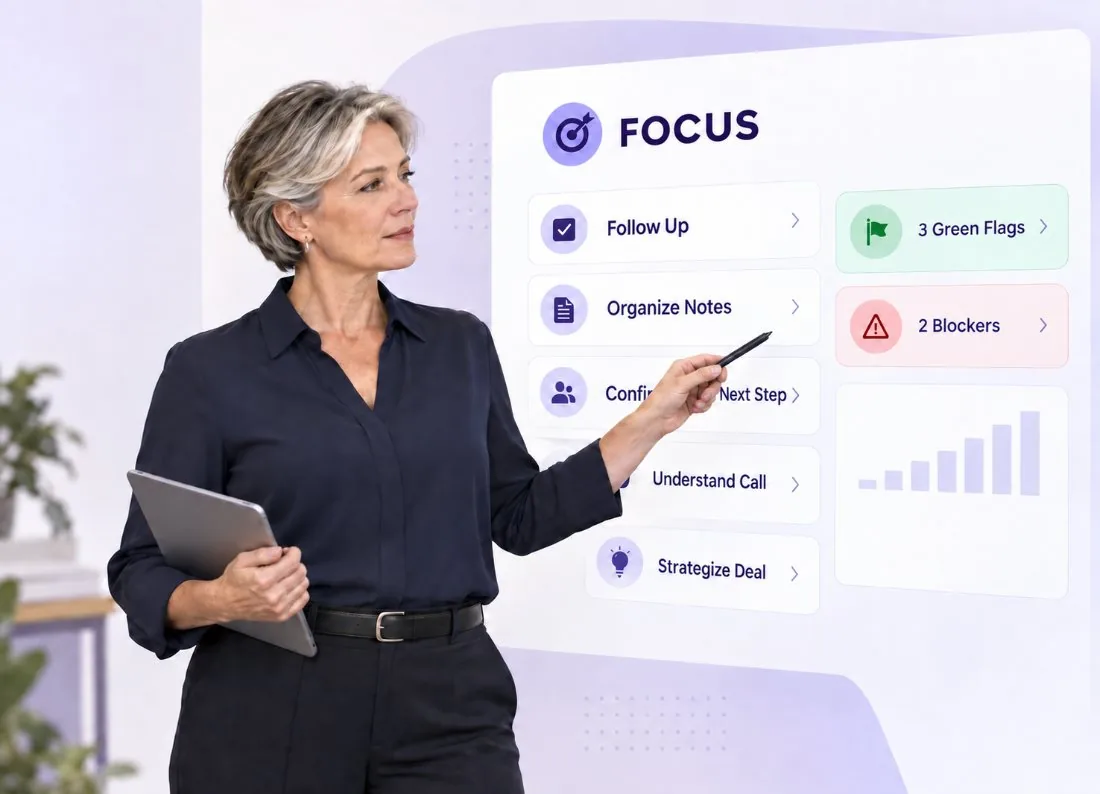
Review the follow-up, organized notes, confirmed next steps, self-review and deal strategy.
Inside the FOCUS report
FOCUS is a five-part framework: Follow Up, Organize the Notes, Confirm the Next Step, Understand the Call and Strategize the Deal. Insights can be connected to the moment in the conversation they came from.
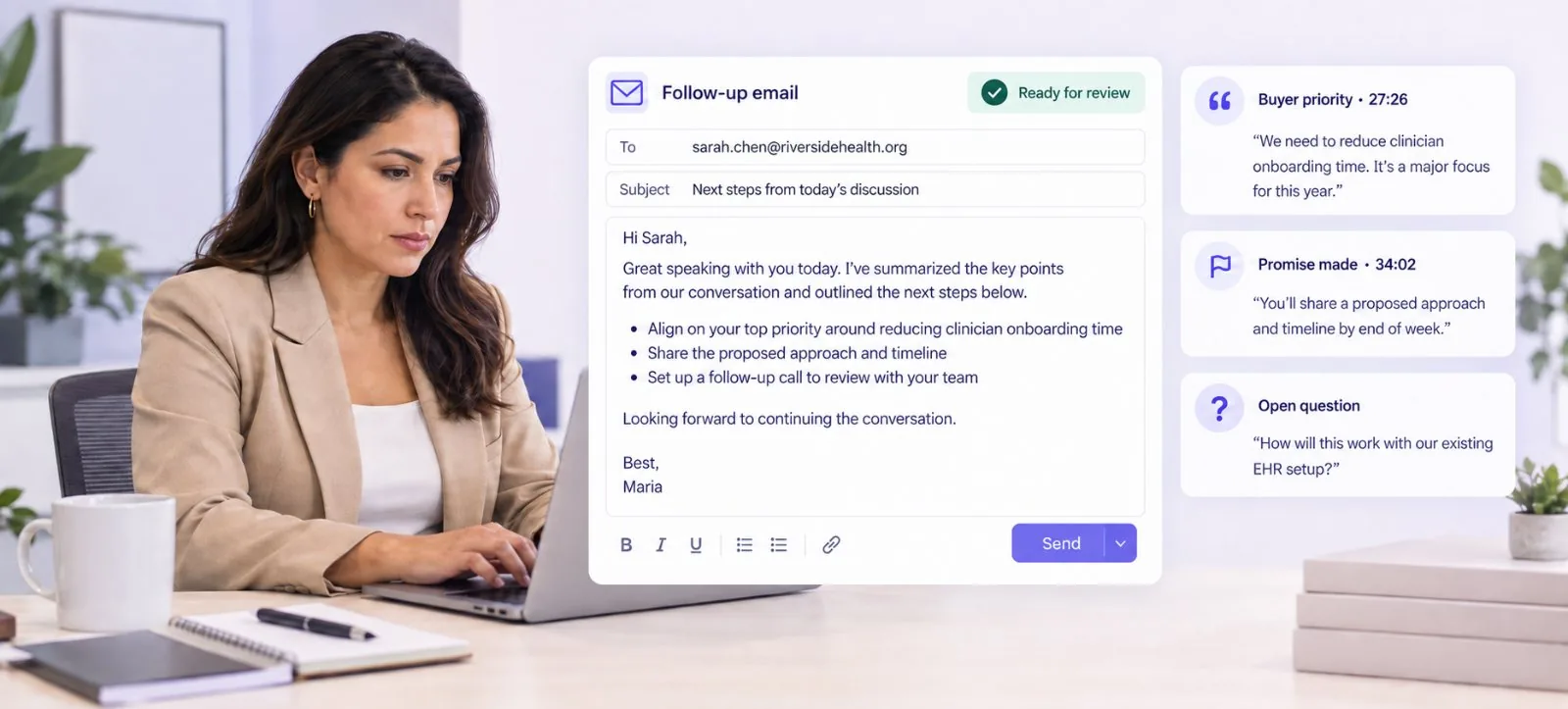
Prepare a relevant follow-up using the buyer’s priorities, commitments, questions and unresolved concerns from the call. Nothing is sent automatically — the AE reviews the suggested follow-up and uses it.
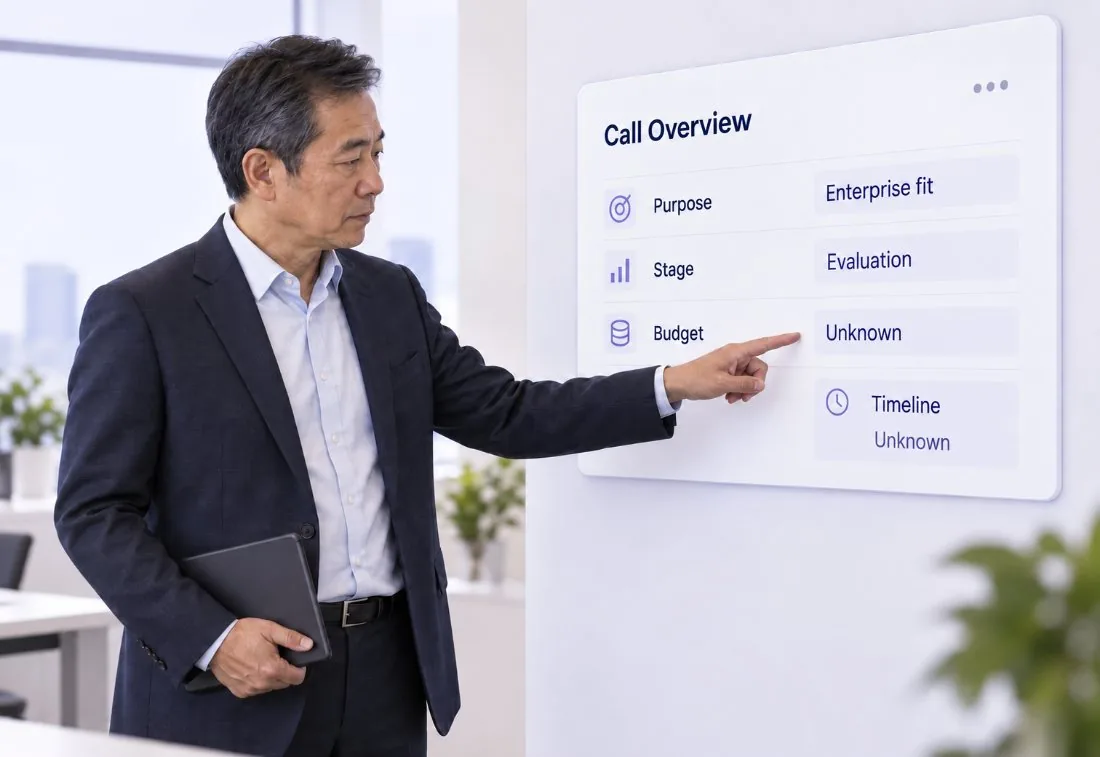
See the purpose, stage and shape of the conversation in seconds, before reading the rest of the report.
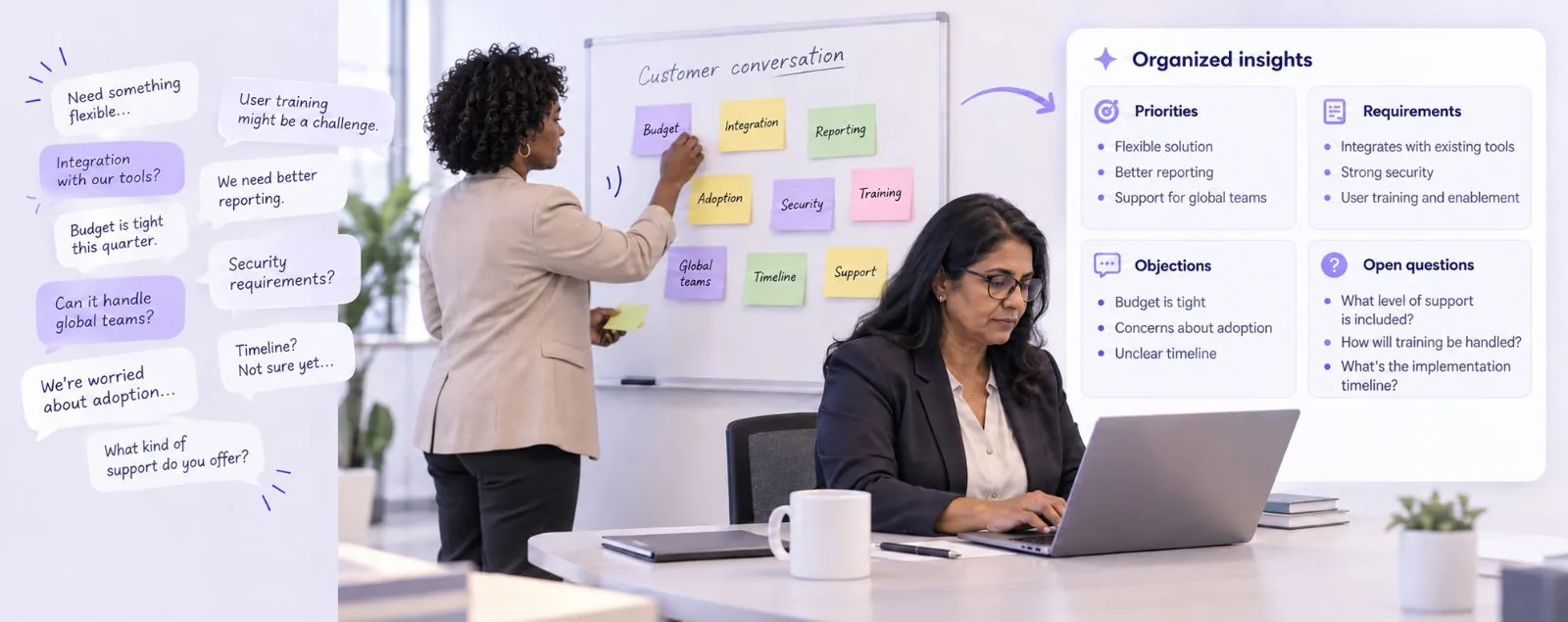
The conversation becomes structured, searchable sales notes. The AE finds the important context — priorities, requirements, objections — without reviewing the complete transcript.
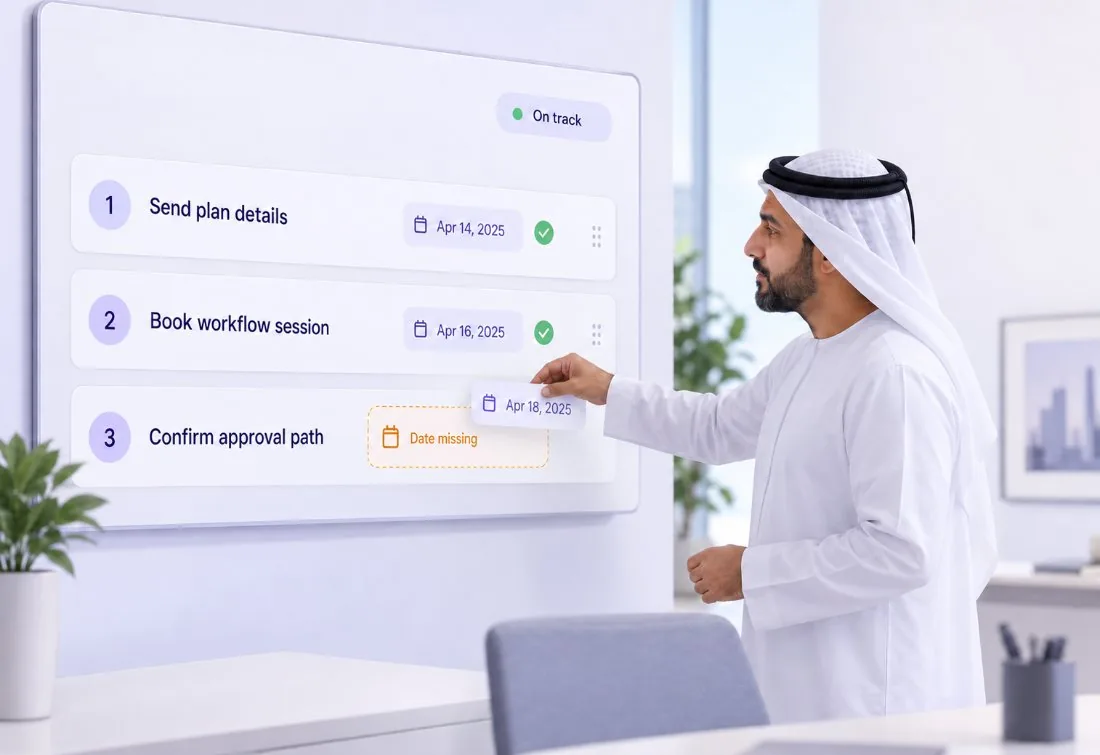
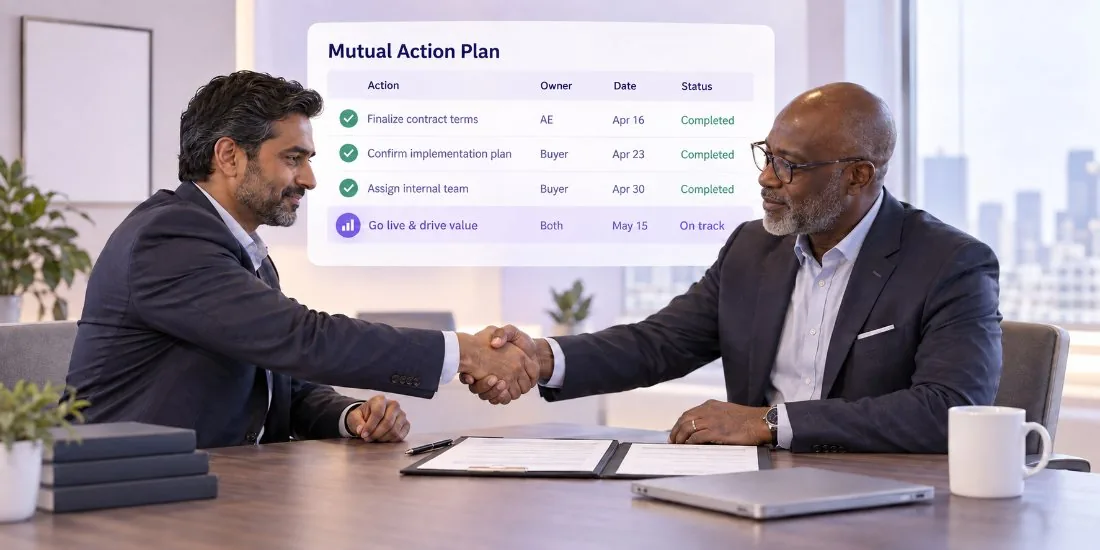
The report identifies agreed actions, owners, dates and missing commitments, so the AE knows whether the deal has a genuine next step.
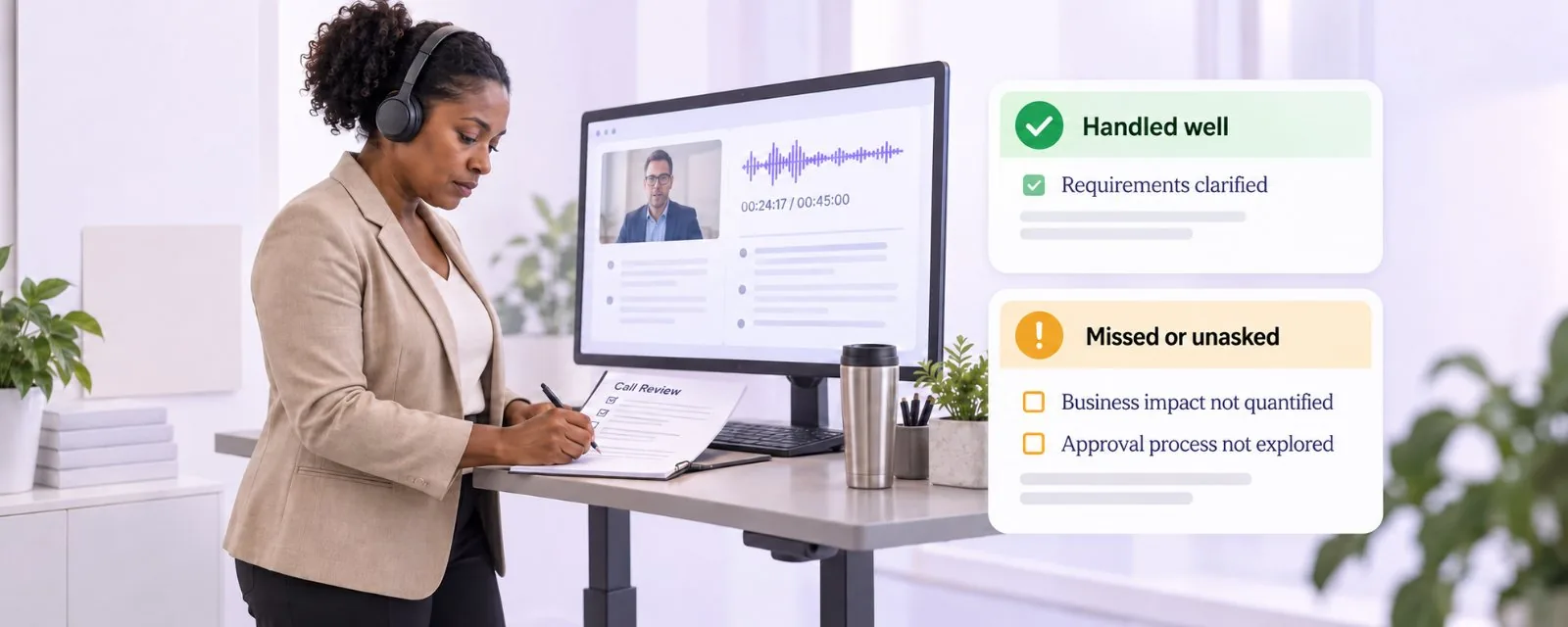
Evaluate how the conversation went: what was handled well, what was missed and where stronger questions or qualification were required. The AE reviews their own call without waiting for feedback.
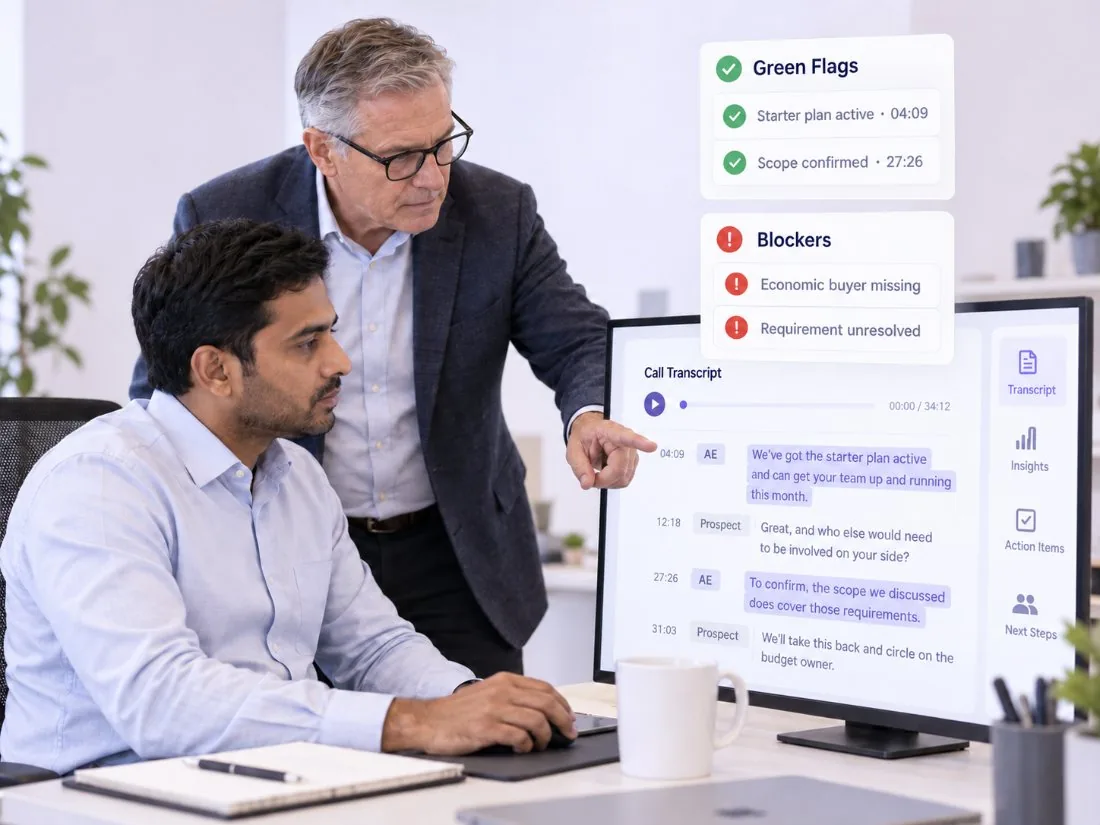
Green Flags, Blockers, buyer commitments, objections and stakeholder involvement, each connected to the moment in the call it came from.
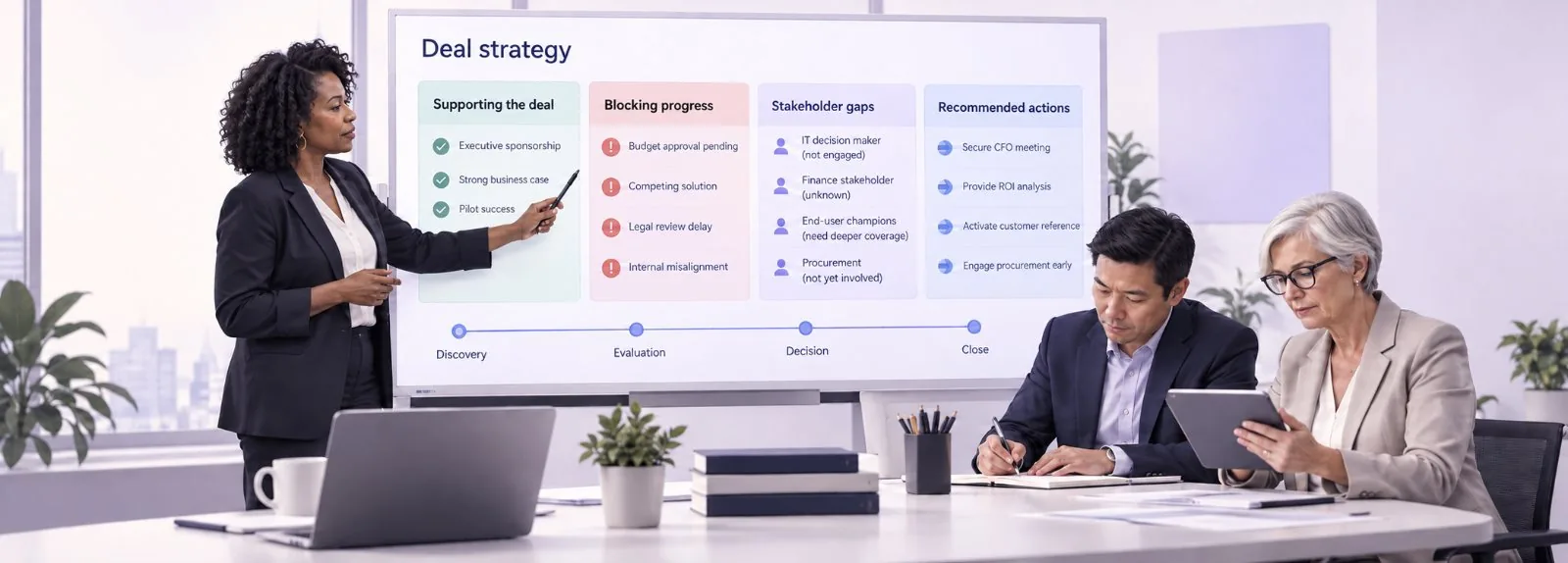
Buying signals, blockers, stakeholder gaps, qualification findings and recommended actions come together in one view, so the AE can plan how to move the opportunity forward.
What changes after the call
4×
Turn buyer signals, objections and commitments into clear follow-up actions.
Follow Up
11%
Keep opportunities moving with confirmed owners, dates and next steps.
Confirm the Next Step
1.3×
Give every AE the context and strategy required to progress active deals.
Strategize the Deal
Also in every report
1. Buyer context kept organised and searchable. 2. Blockers and unresolved concerns identified while there is still time to act. 3. A self-review of the conversation, including the questions that were not asked.
Built for every AE conversation
Salesman AI adapts the report to the purpose of each conversation, from first discovery call to signature.
Organise pain points, business impact, buyer priorities and the discovery questions that went unanswered.

Record the capabilities that mattered, buyer reactions, concerns and the follow-up material that was requested.

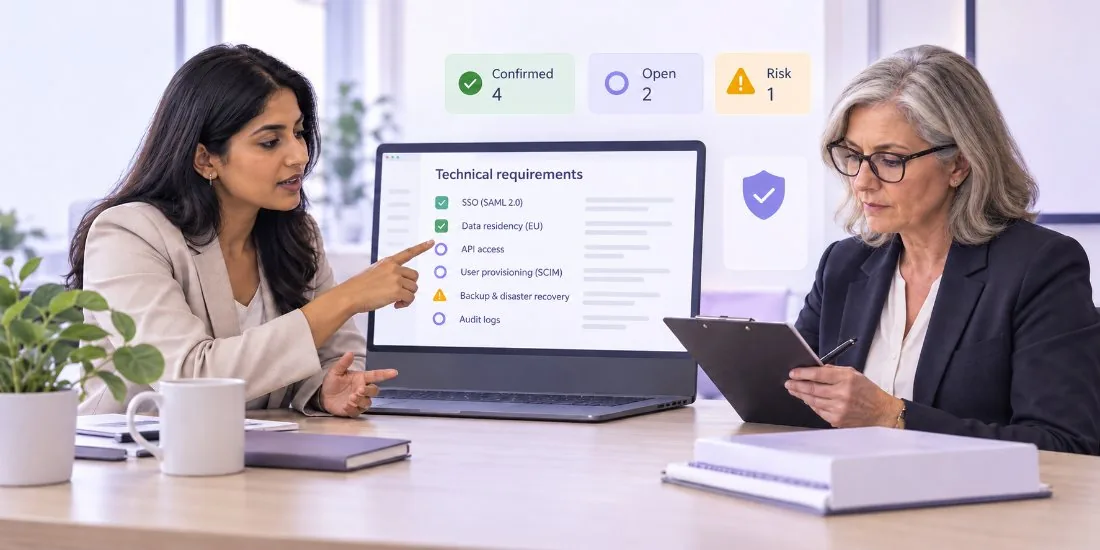
Capture technical requirements, decision criteria, unresolved issues and competitive risk.
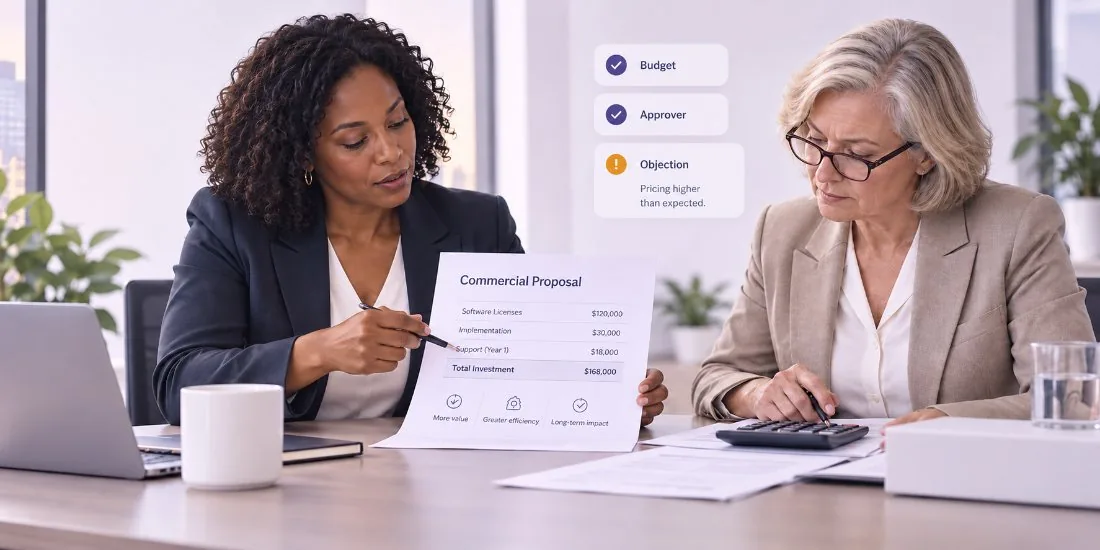
Document commercial concerns, concessions, approval requirements and buyer commitments.
Identify influence, internal alignment, missing decision-makers and champion strength.

Confirm owners, dates, approvals and the remaining steps required to reach a decision.
More than an activity report
| Capability | Basic sales reports | Salesman AI FOCUS reports |
|---|---|---|
| Source of information | Logged activity and typed notes | The customer conversation itself |
| Call summary | Generic recap, varies by system | Sales-specific report |
| Organised sales notes | Often manual | Structured and searchable |
| Buyer priorities | Typically left to memory | Identified from the call |
| Buying signals | Typically activity-based | Green Flags with call evidence |
| Blockers and risks | Visible late, varies by system | Surfaced in the report |
| Confirmed next steps | Often manual | Actions, owners, dates and gaps |
| Rep self-review | Rarely part of the report | Built into every report |
| Connection to conversation evidence | Varies by system | Insights link to call moments |
| Designed for AE action | Often reporting upward | Built around the rep’s next move |
Salesman AI still gives you the recording, transcript and notes. The difference is the report it writes from them.
FAQ
Sales reporting software turns sales activity and customer conversations into reports a team can act on. Salesman AI is built for account executives: it reports on the call itself, covering follow-up, organized notes, confirmed next steps, self-review and deal strategy.
Salesman AI connects to your calendar and supports customer meetings held on Google Meet, Zoom and Microsoft Teams. It records and transcribes the meeting, then writes a FOCUS report from the conversation.
FOCUS is a five-part framework:
F — Follow Up
O — Organize the Notes
C —
Confirm the Next Step
U — Understand the Call (Self-Review)
S — Strategize the Deal
The five FOCUS parts, plus supporting report intelligence: Green Flags, Blockers, a Call Overview, Top Insights, Rep Next Moves and Email Activity. Insights can be connected to the relevant moments in the conversation.
No. Salesman AI is not a CRM or a corporate forecasting platform. It is post-call reporting for the rep, and it helps AEs strengthen the information they use to maintain their opportunity records.
Yes. The Follow Up section prepares a follow-up from the buyer’s priorities, commitments, questions and unresolved concerns. Nothing is sent automatically — the AE reviews the suggestion and uses it.
Yes, as a secondary use. A manager can read the report alongside the recording and transcript to coach against real deal context. The report is written for the AE first.
Your next call can leave you with more than notes
Connect your calendar and finish your next meeting with the follow-up, the confirmed next step, a self-review and a strategy for the deal.
Works with Google Meet, Zoom and Microsoft Teams